Boost Productivity: How to Optimize Your Digital Devices for Peak Performance
August 28, 2024 · Rich Benvin
Boost Productivity: How to Optimize Your Digital Devices for Peak Performance
In today’s fast-paced, tech-driven world, your digital devices play a critical role in your productivity. Whether it’s a laptop for work, a smartphone for staying connected, or a tablet for creative projects, optimizing these devices is essential to maintain speed, efficiency, and organization. If your devices are cluttered, slow, or disorganized, they can hinder your workflow and cause unnecessary frustration.
In this guide, we’ll explore actionable steps and tools to help you optimize your digital devices for peak performance. By implementing these strategies, you can ensure that your devices run smoothly, extend their lifespan, and help you stay focused on the tasks that matter most.
1. Clear the Clutter: Organize Files and Apps
Clutter is the number one enemy of productivity. Unnecessary files, apps, and browser tabs not only slow down your devices but also make it harder to find what you need when you need it.
How to Declutter:
- Organize Your Desktop and Files: A cluttered desktop can overwhelm you visually and slow down your computer. Create organized folders for different types of files, such as work, personal documents, and projects. Sort files into these folders and delete any unnecessary ones. Cloud storage solutions like Google Drive, Dropbox, or OneDrive can help by providing off-device storage and allowing easy access across devices.
- Uninstall Unnecessary Apps: Go through your apps on both your smartphone and computer and remove anything you haven’t used in the last few months. Not only will this free up storage space, but it will also help you focus on the tools you actually use. On Windows and macOS, check your installed programs, and on smartphones, long-press to delete unused apps.
- Use a Cloud-Based File System: Instead of storing everything locally on your device, use cloud services to store and manage your files. Cloud storage options like iCloud, Google Drive, and Dropbox allow you to access your files from any device, sync them automatically, and reduce the load on your primary device.
Pro Tip: Schedule regular clean-up sessions once a month to keep your files and apps in check.
2. Optimize Your Device’s Performance
Even the most powerful devices need regular maintenance to perform at their best. Optimization includes reducing the load on your device, keeping it updated, and maintaining good system health.
How to Optimize Performance:
- Clear Cache and Temporary Files: Over time, devices accumulate cache and temporary files that take up valuable space and slow down performance. Use built-in tools or apps like CCleaner for PC and Mac or Files by Google for Android to clean out unnecessary files. On iOS, offload unused apps or clear your browser cache periodically.
- Update Your Software Regularly: Keeping your operating system, apps, and drivers up to date ensures you’re running the latest versions with security patches, bug fixes, and performance improvements. Check for system updates on your devices regularly and allow automatic updates for apps.
- Manage Startup Programs: Many devices allow programs to start automatically when you boot up, which can slow down your device’s startup time. On Windows, you can manage startup programs via Task Manager, while on macOS, go to System Preferences > Users & Groups > Login Items to disable unnecessary startup applications.
- Optimize Battery Life: To extend your device’s battery life, reduce background activity by closing unused apps, dimming the screen, and disabling location services when not needed. On laptops, consider using power-saving modes, especially when performing less intensive tasks. For smartphones, turning off background app refresh and notifications for non-essential apps can also help conserve battery.
Pro Tip: For optimal battery health, try not to let your device’s battery drain completely or stay at 100% for too long.
3. Automate Routine Tasks to Save Time
Automation is a powerful way to boost productivity and reduce the time spent on repetitive tasks. Many tools allow you to set up automatic workflows for everything from file backups to task management.
Automation Tools for Productivity:
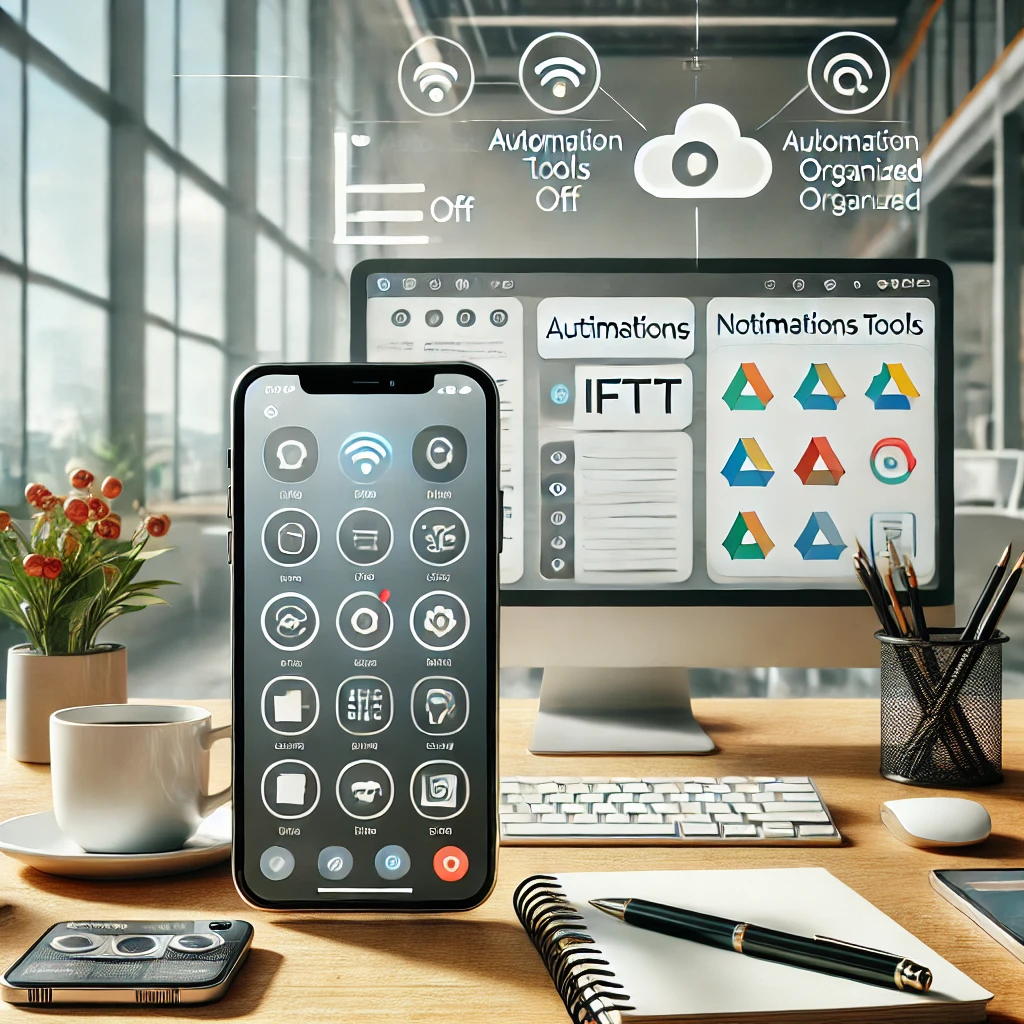
- IFTTT (If This Then That): IFTTT is a popular automation tool that connects different apps and devices based on triggers. For example, you can automatically save email attachments to a cloud folder, sync photos between your phone and cloud storage, or even automate reminders. IFTTT connects with hundreds of apps, allowing you to set up simple but powerful workflows that save time.
- Zapier: Zapier is another powerful automation tool that allows you to create custom workflows across more than 3,000 apps. Automate repetitive tasks like adding new emails to a to-do list, sending Slack notifications, or scheduling social media posts—all without manual input. It’s ideal for professionals who want to optimize their digital workflows.
- Backup Automation: Automating backups is essential to ensuring you don’t lose important data. Set up automatic backups to cloud services like Google Drive, Dropbox, or iCloud for your most critical files. For Windows users, File History offers automatic backups, while macOS users can use Time Machine.
Pro Tip: Set up daily or weekly automated workflows for tasks like saving documents, sending reminders, and managing emails. This can significantly reduce the manual workload and free up time for more creative or strategic work.
4. Sync Devices for Seamless Workflows
Optimizing your digital devices means ensuring that all your devices work together in harmony. By syncing your data, tasks, and apps across devices, you can create a seamless workflow that boosts productivity and reduces friction.
How to Sync Devices:
- Use Cloud Services to Sync Files: Cloud storage platforms like Google Drive, iCloud, and Dropbox allow you to sync your files across devices. This means you can start working on your laptop and finish on your phone or tablet without losing progress.
- Sync Your Calendar and To-Do Lists: To stay on top of your schedule and tasks, use cloud-based calendar and task management tools like Google Calendar, Todoist, or Microsoft To-Do to sync across all devices. This ensures you have access to your to-do list and deadlines, whether you’re on your phone, laptop, or desktop.
- Unify Messaging Platforms: Stay connected with messaging platforms like Slack, WhatsApp, or Microsoft Teams by syncing across devices. This ensures you can respond to messages from any device, and conversations are always up to date.
Pro Tip: For creative professionals, consider using apps like Notion or Evernote for note-taking and project management. These apps sync across all your devices, ensuring you always have access to your notes and tasks.
5. Strengthen Security and Privacy
Optimizing your device for peak performance isn’t just about speed and organization; security is equally important. Protecting your digital assets ensures that your productivity isn’t compromised by data loss or cyber threats.
How to Enhance Device Security:
- Use Password Managers: Password managers like LastPass, Dashlane, or 1Password help you store and generate strong, unique passwords for all your accounts. By automating password entry and using two-factor authentication (2FA), you can protect your accounts from unauthorized access.
- Enable Two-Factor Authentication (2FA): Two-factor authentication adds an extra layer of security by requiring a second form of verification (such as a text message or app prompt) before accessing your accounts. Enable 2FA on all critical apps, including email, cloud storage, and social media accounts.
- Install Antivirus Software: Antivirus tools like Norton, Bitdefender, and McAfee provide an additional layer of protection against malware and cyberattacks. Regularly scan your devices to ensure they remain secure and free from malicious software.
Pro Tip: Regularly back up your data using automated cloud backups and consider using encryption tools for sensitive files.
Conclusion: Take Control of Your Devices
Optimizing your digital devices is an ongoing process, but by following these steps, you can significantly boost your productivity, extend the life of your devices, and reduce stress. Start by decluttering your files and apps, automate routine tasks, and ensure that your devices are always up to date and secure. By creating a seamless, efficient, and secure digital ecosystem, you’ll not only enhance your workflow but also reclaim valuable time and mental clarity.
By implementing these strategies, you’ll ensure that your digital devices are optimized for peak performance and productivity, helping you stay focused and organized in a fast-paced digital world.